Whiteboards
Collaborate on diagrams, sketches, and rough thinking inside the same team workspace.
Whiteboards support freeform diagramming and note-taking within the team workspace.
Listing and organization
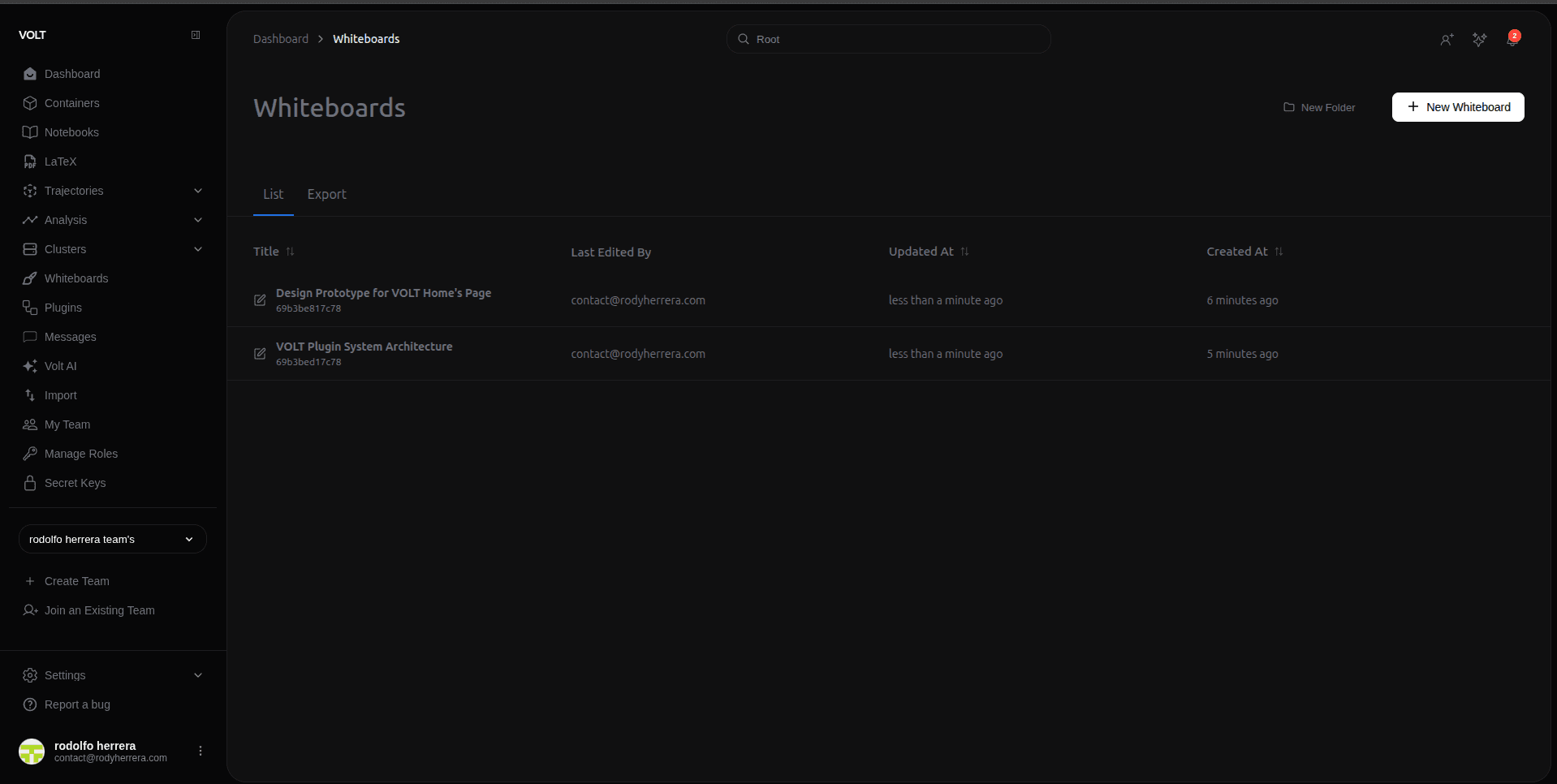
Boards appear as title-based rows in a foldered document table. You can:
- open, rename, or delete a board
- create and rename folders, and move whiteboards between them
- navigate the hierarchy via the breadcrumb at the top of the listing
Canvas experience
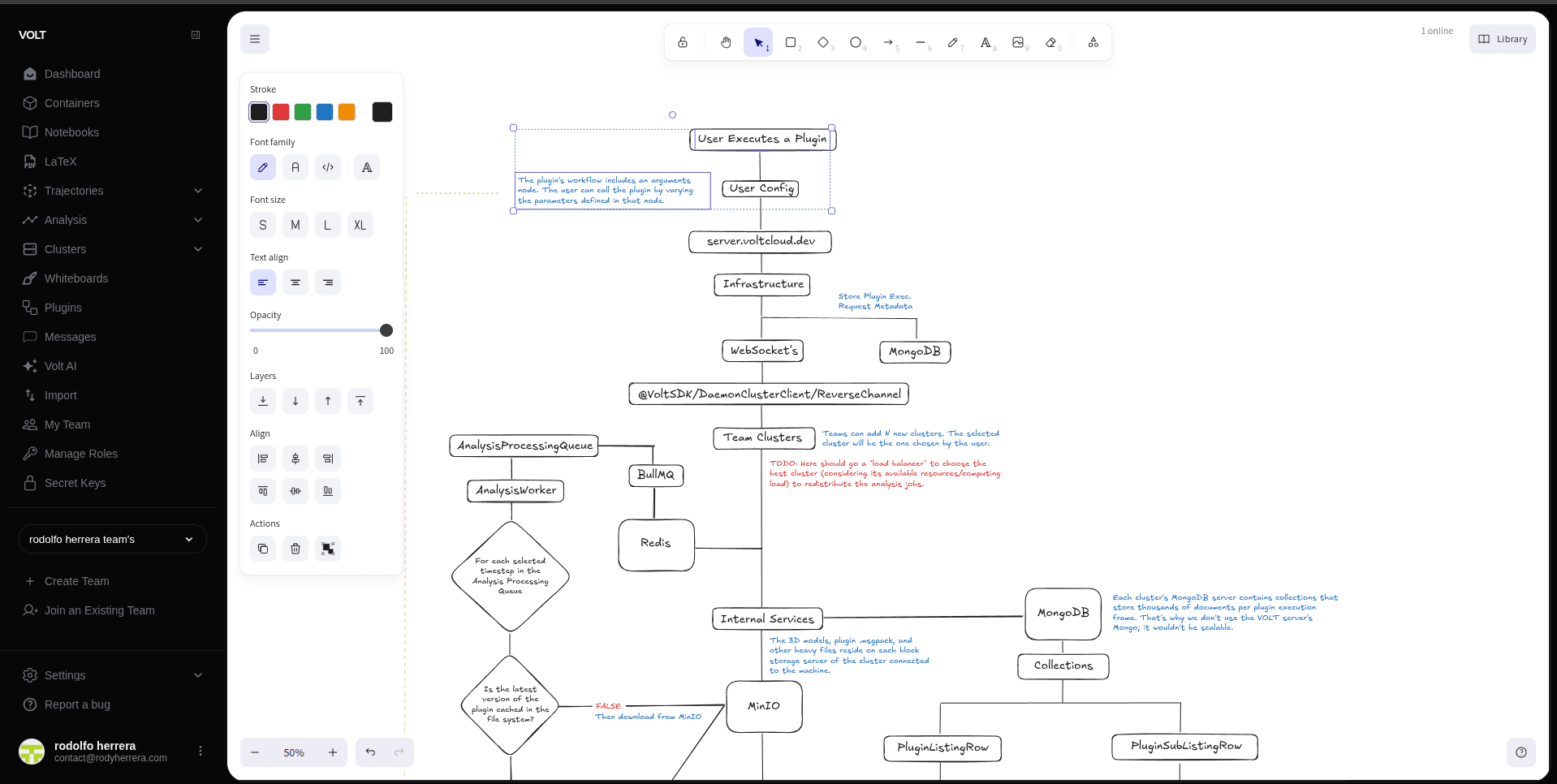
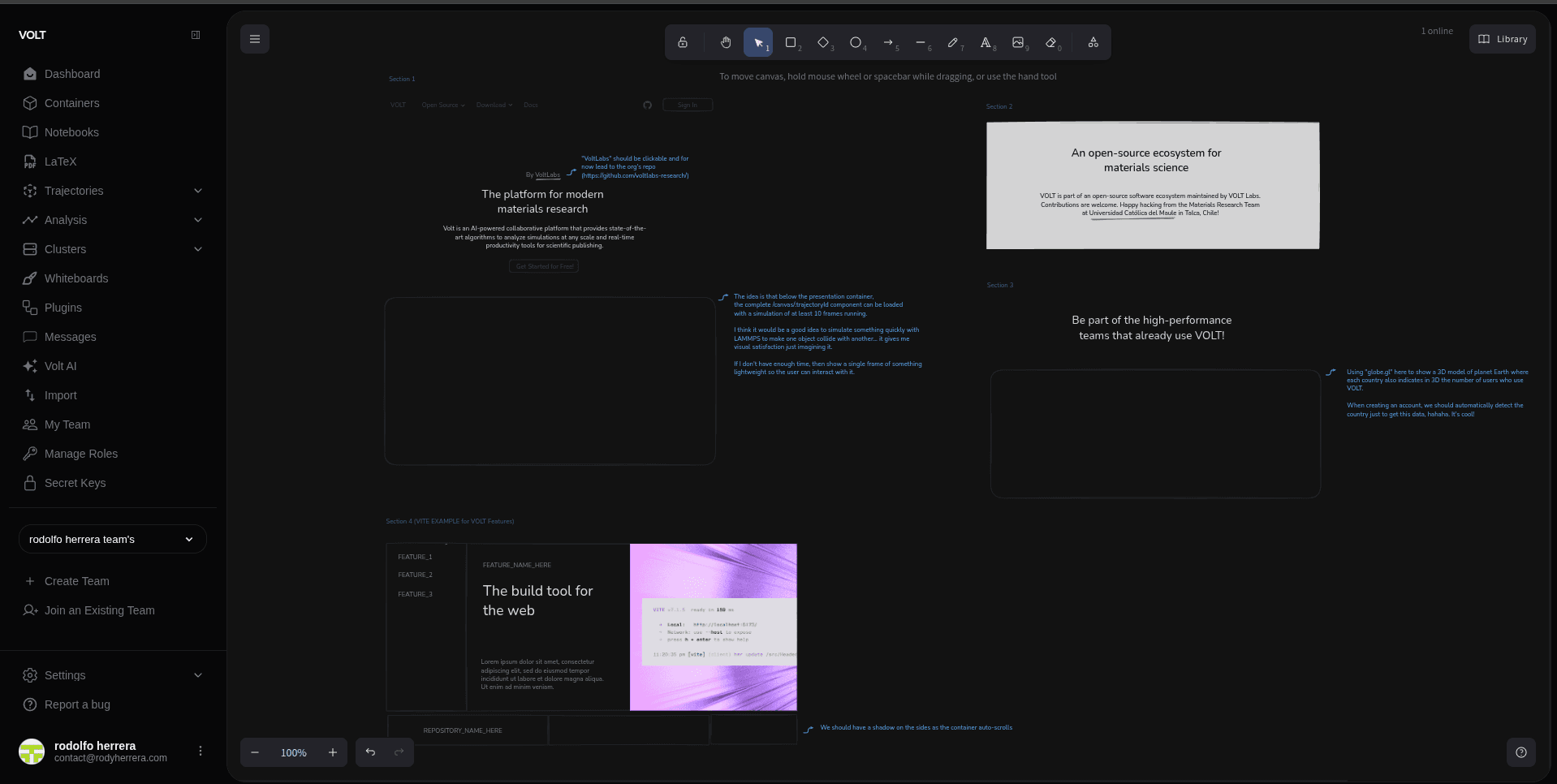
The editor is built on Excalidraw, an infinite-canvas model with shapes, arrows, text, freehand drawing, and background controls. Add images via the Insert image menu item, or by pasting or dragging files onto the canvas, which uploads them as whiteboard assets. The main menu also offers Save as image, Clear canvas, Toggle theme, and Change canvas background.
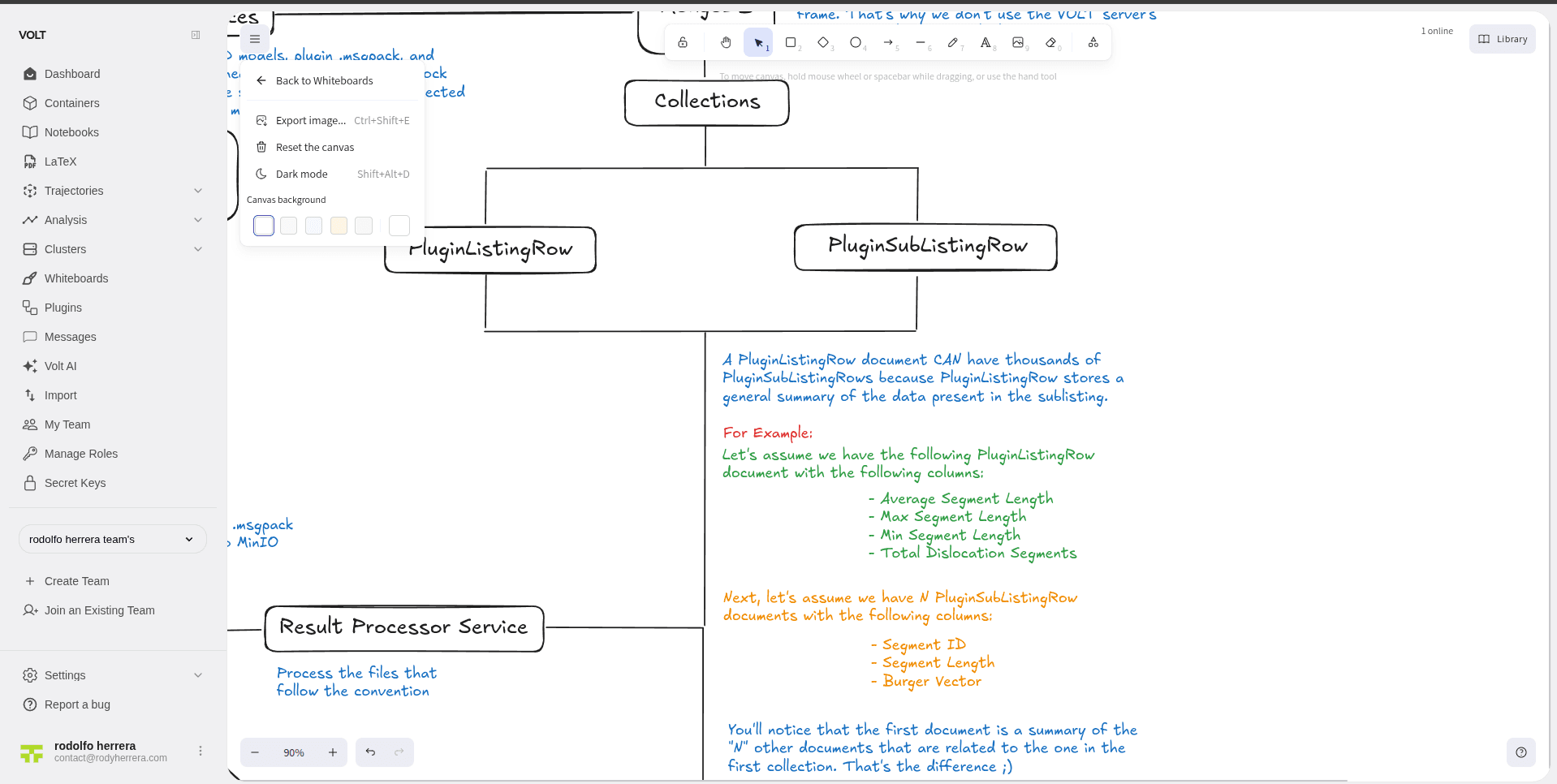
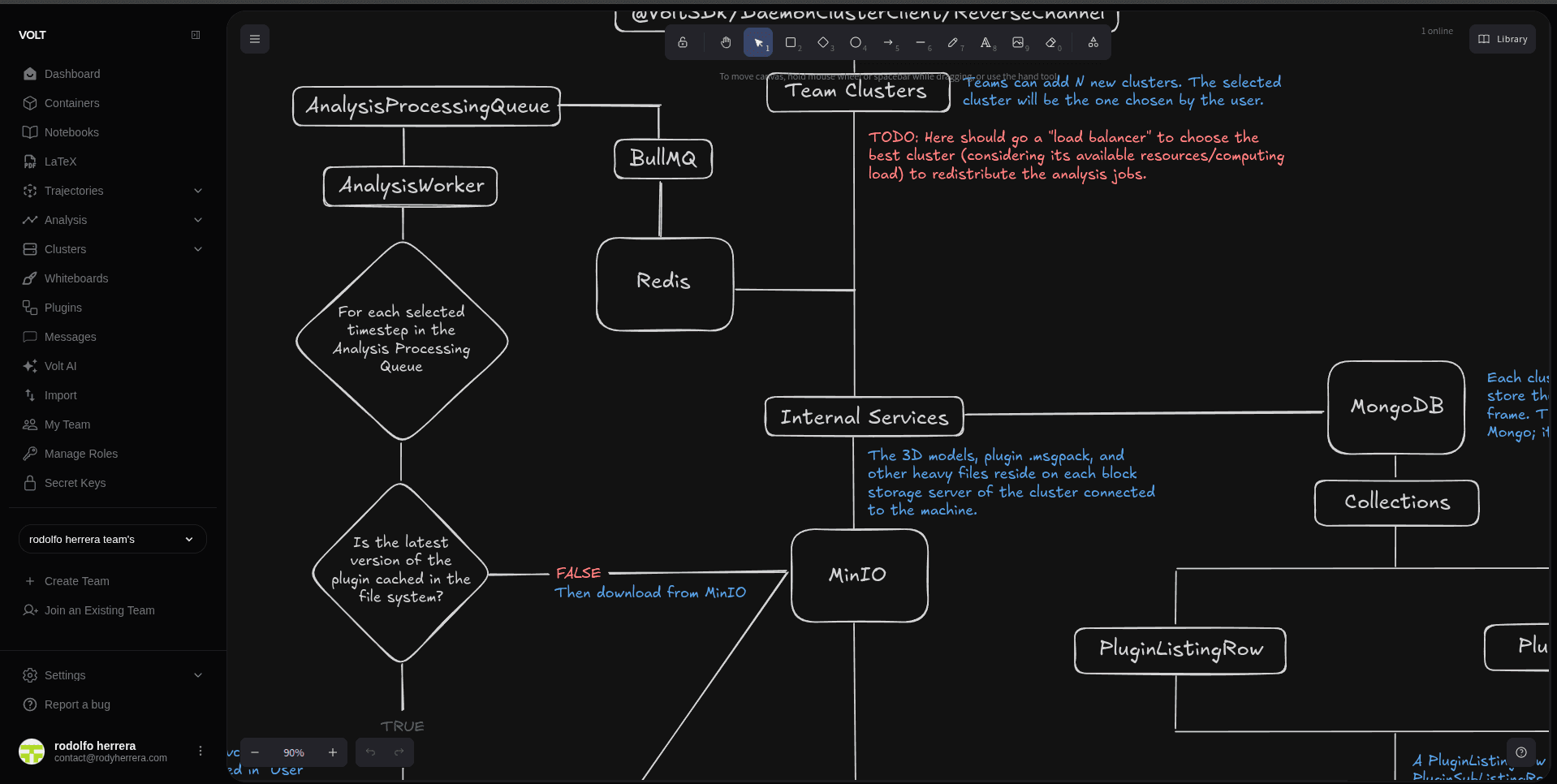
Real-time collaboration and sync behavior
Whiteboards synchronize board state in real time over Socket.io and show present collaborators. On open, the client subscribes and receives a snapshot, then exchanges debounced delta patches as edits happen. Each board carries a monotonically increasing revision number, and clients send patches against the revision they last saw (baseRevision).
Conflicts are resolved automatically with no user-facing prompt (no "keep local or apply remote" dialog): edits are merged per element using a last-writer-wins rule based on each element's version, falling back to its update timestamp and version nonce.
Persistence and storage
The scene state (elements and app state) and image assets are stored as objects in the team's storage cluster, while whiteboard metadata such as title, folder, and last editor lives in MongoDB. Edits are persisted on a short debounce after the in-memory board state changes.