Getting Started
Learn how VOLT fits together and how to get your first team online.
What's VOLT?
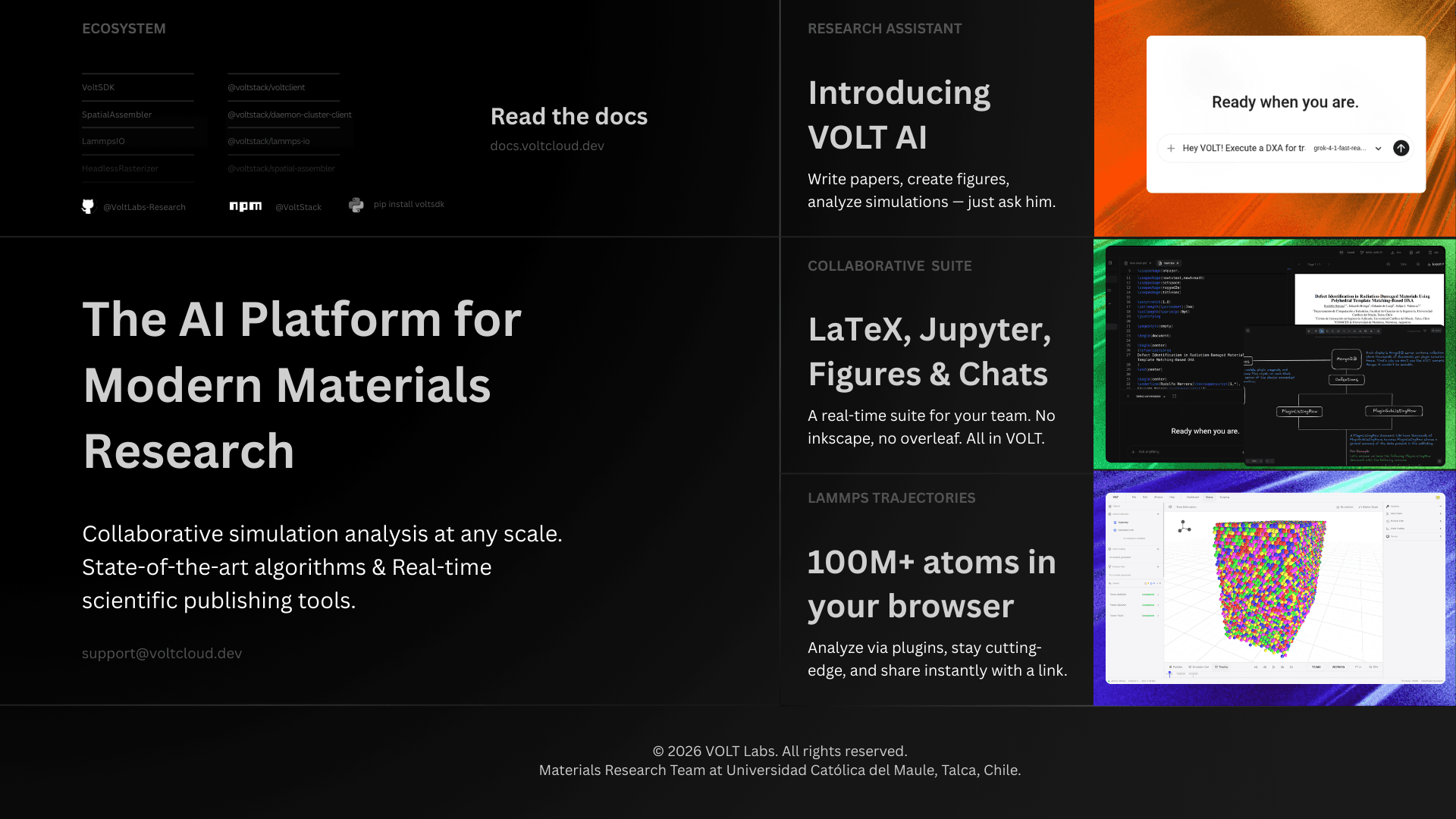
VOLT is a collaborative platform for materials science teams working with LAMMPS simulations. It brings together the parts of the workflow that usually end up scattered across desktops, scripts, shared drives, notebooks, and cluster terminals: trajectory processing, analysis, notebooks, LaTeX writing, containers, team coordination, and infrastructure.
If you mostly think in terms of dumps, timesteps, defect analysis, notebooks, and papers, VOLT is designed to feel like a workspace built around that reality rather than a generic file manager with a 3D viewer attached.
Who it is for
- Research groups running molecular dynamics workloads on laptops, workstations, or lab servers.
- Students and postdocs who need to move from raw trajectories to figures, tables, and papers without stitching together five different tools.
- Teams that want shared infrastructure without handing their simulation data over to a centralized cloud service.
What you can do inside VOLT
Instead of treating simulation work as a series of disconnected steps, VOLT keeps the whole loop in one place. You can upload a trajectory, wait for it to be parsed and preprocessed, open it in the 3D viewer, run an analysis plugin, inspect the resulting listings or 3D overlays, then jump into a notebook or a LaTeX document without changing context.
Along the way, you can also:
- connect one or more team clusters,
- import data from remote machines over SSH,
- run custom Docker containers,
- automate workflows with Volt AI or the SDKs,
- and collaborate through chat, whiteboards, notifications, and shared team roles.
What VOLT is not
VOLT is not trying to replace every specialist tool in the field. It does not position itself as a desktop-first alternative to OVITO or VMD. Instead, it wraps visualization and analysis into a larger system that also handles storage, orchestration, automation, collaboration, and publishing.
That difference matters. In VOLT, a trajectory is not just something you open locally. It is part of a team workspace with cluster-backed processing, reusable analysis results, notebooks, access control, AI tooling, and a paper-writing flow living next to it.
Key ideas that make the platform click
| Concept | Meaning |
|---|---|
| Team | Your workspace. Teams own trajectories, clusters, notebooks, containers, LaTeX documents, and permissions. |
| Cluster | A machine connected to a team. It runs the daemon and the local services that store data and execute heavy work. |
| Trajectory | A processed simulation dataset. Once uploaded, VOLT extracts metadata, simulation cells, frame dumps, GLB models, and previews. |
| Plugin | A node-based analysis workflow that eventually executes one or more scientific binaries on your cluster. |
| Exposure | A result produced by an analysis, usually as MessagePack data, charts, or derived 3D outputs. |
| Scene artifact | A 3D layer you can toggle in the viewer, such as color coding, a filtered subset, or a plugin-generated model. |
How the system is arranged
The important thing to know early is that VOLT is not built around centralizing your simulation files on the product server. Your team's cluster is where the real work happens. The platform server coordinates users, teams, auth, APIs, and real-time updates, but the daemon on your cluster handles processing, file access, notebook runtime, plugin execution, previews, and storage.
That design is why the platform can scale from a personal machine to a dedicated server setup without changing the mental model. When you need more compute or storage, you add or upgrade clusters rather than migrating your workflow into a different product tier.
Create your VoltID
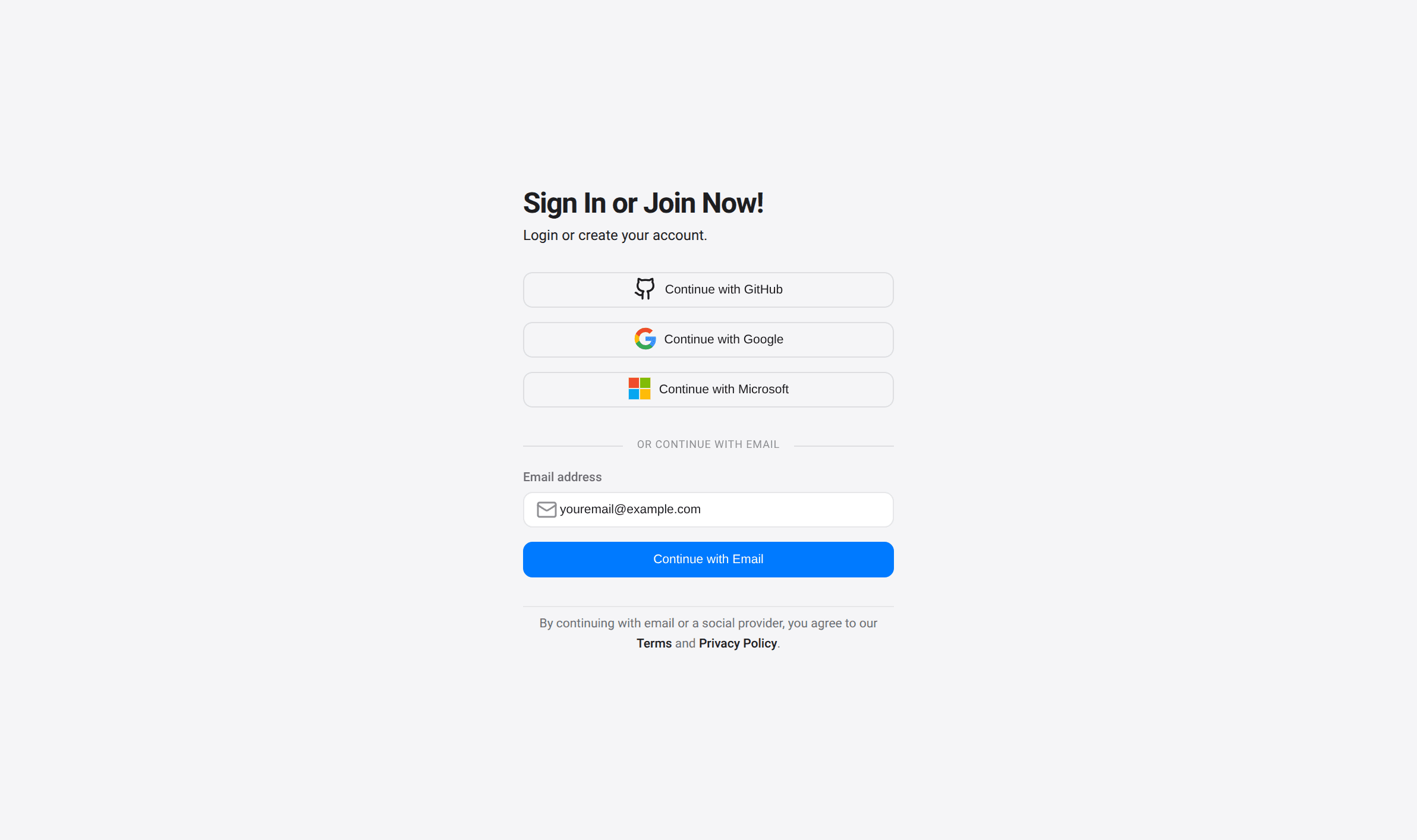
Go to app.voltcloud.dev/auth/sign-in to create or access your account.
You can sign in with Google, GitHub, or Microsoft. If you prefer email, VOLT also supports a direct email flow that either signs you in or guides you through account creation depending on whether the address already exists.
Your first team
After signing in, the first thing VOLT asks for is a team. That is because almost everything in the platform is team-scoped: trajectories, clusters, analyses, chats, notebooks, roles, and AI integrations all belong to a team.
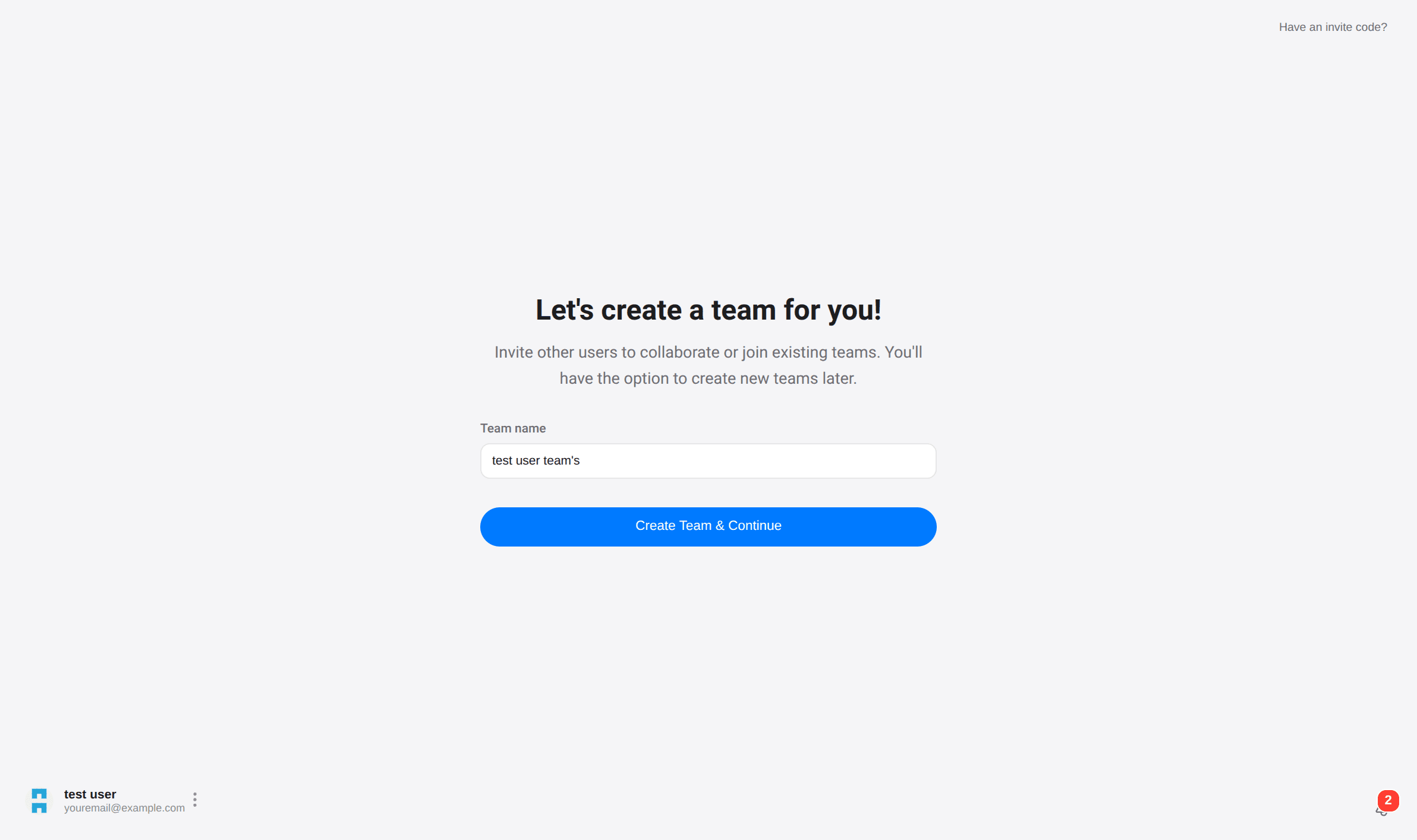
You can rename the team later, create additional teams for other projects, and invite collaborators once the workspace is ready.
Connect your first cluster
A team is only half of the setup. To actually process trajectories and run analyses, you need at least one connected cluster.
A cluster can be:
- your own laptop,
- a workstation in the lab,
- or a dedicated Linux server.
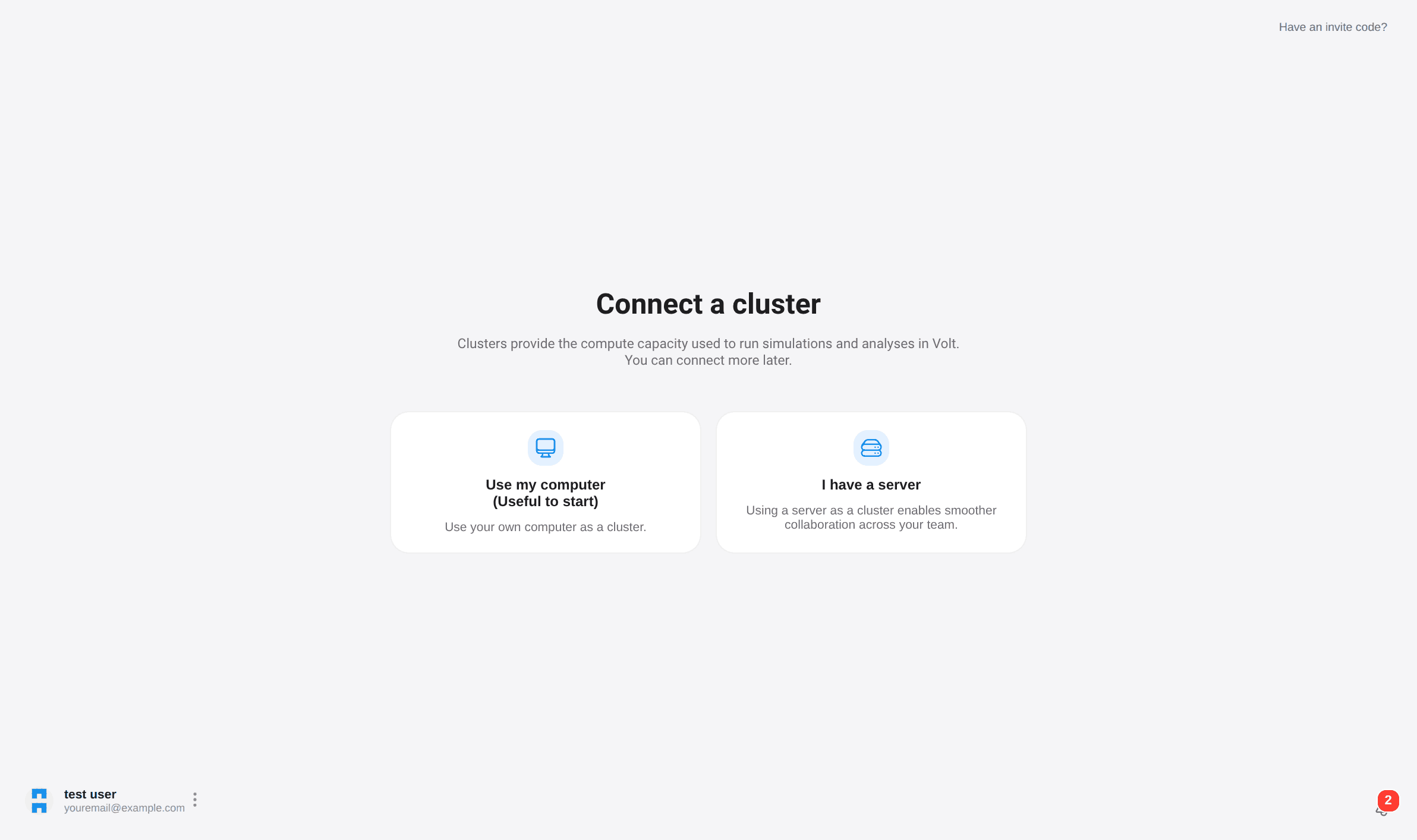
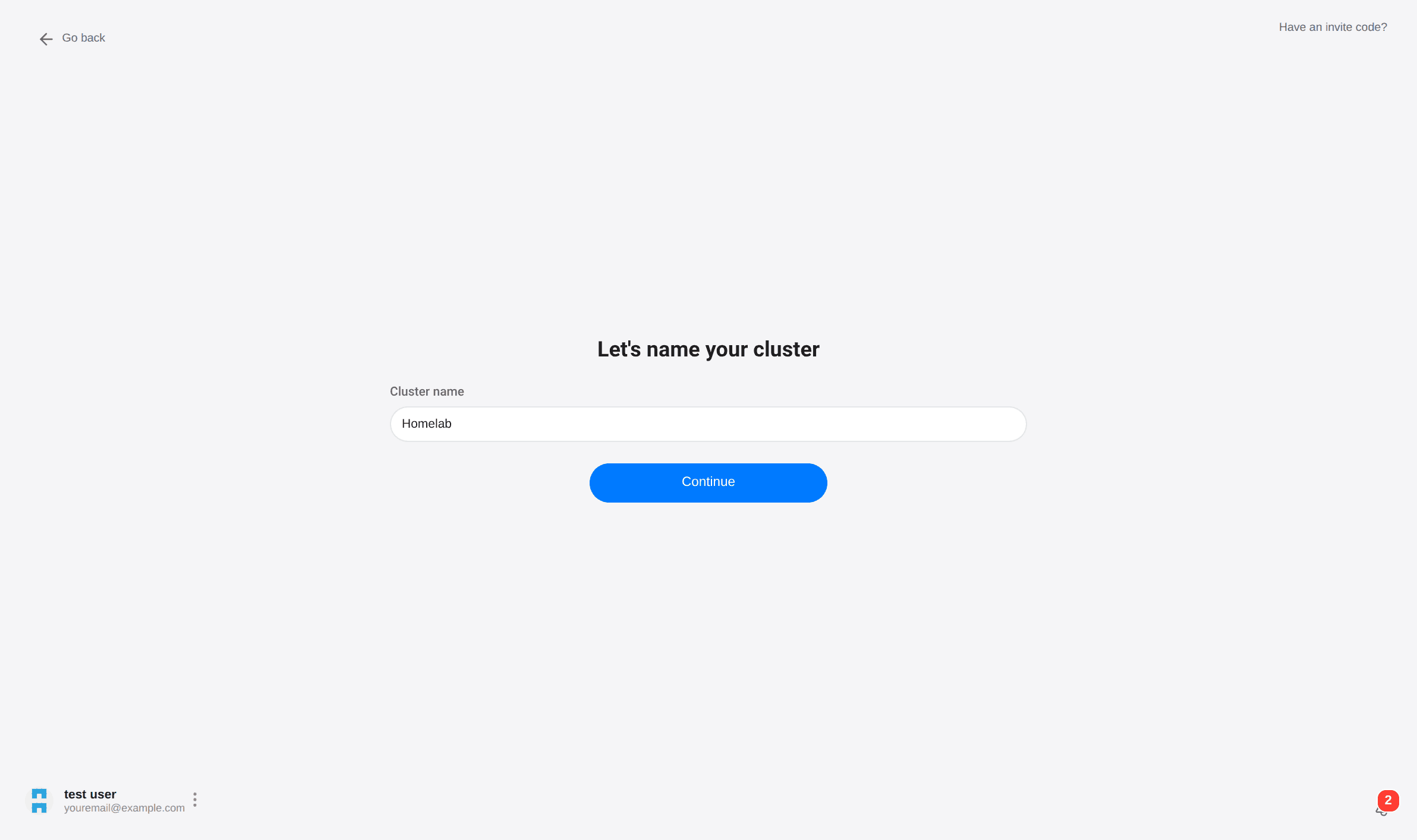
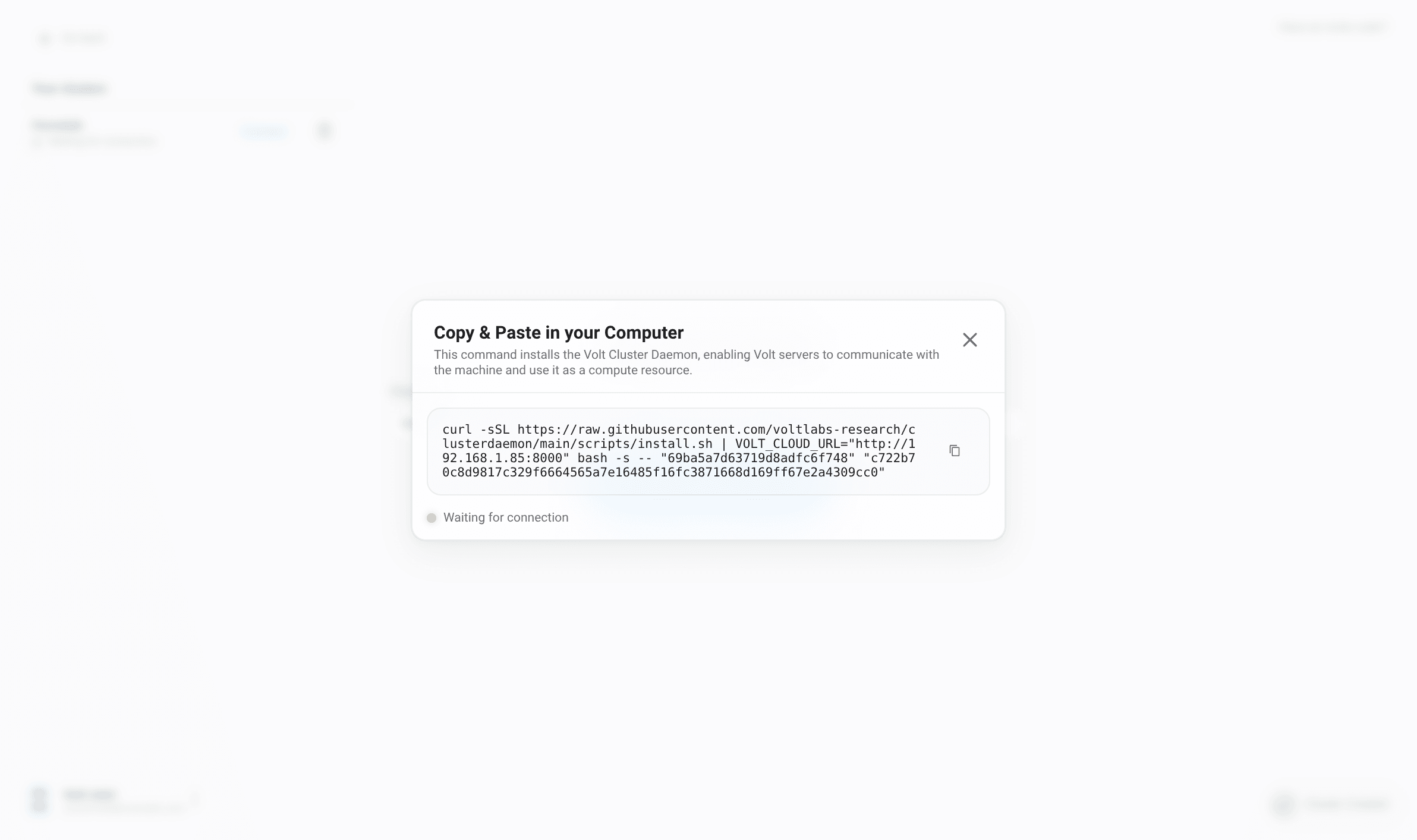
After choosing the cluster type, assign it a name and copy the install command VOLT gives you.
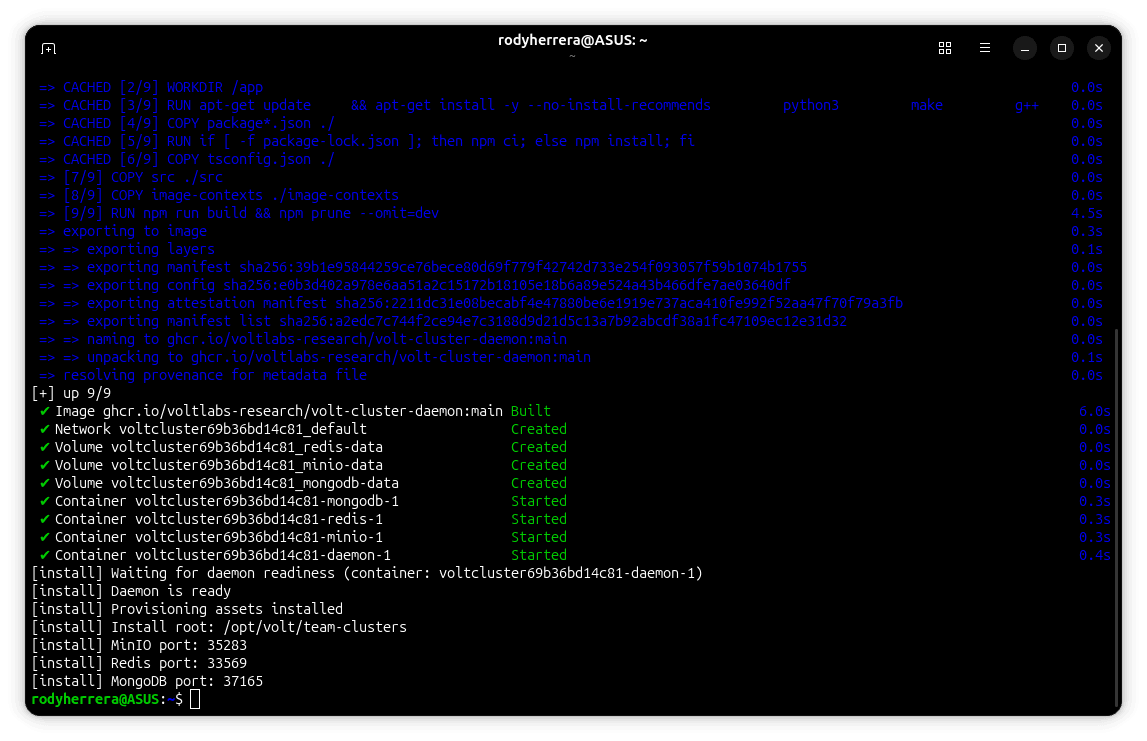
Run that command on the target machine. Under the hood, the installation bootstraps the daemon and the local services the team needs, then enrolls the machine with your workspace.
On Windows, open the terminal with administrator privileges. The installer may need to set up Docker before the cluster can connect.
Once the daemon starts sending heartbeats, the cluster moves from waiting to connected and the rest of the platform comes alive.
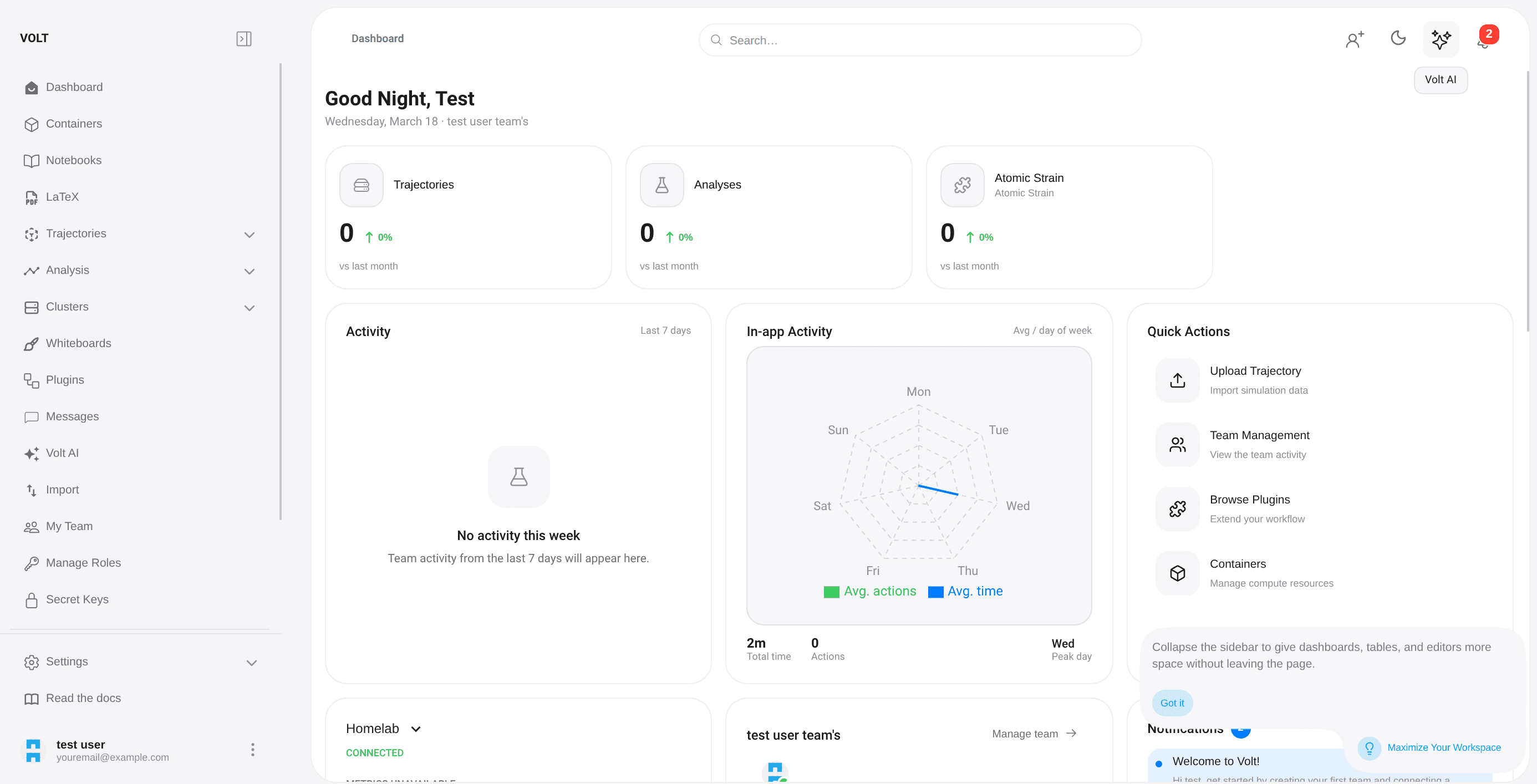
What happens next
Once your team and cluster are ready, the normal path looks like this:
- upload a trajectory,
- let VOLT parse and preprocess it,
- open the viewer and inspect frames,
- run one or more analysis plugins,
- explore the results as listings, charts, or 3D artifacts,
- move into notebooks, LaTeX, or AI-assisted workflows as needed.
If you want a desktop window instead of the browser, you can also install the client app.
| Platform | Download |
|---|---|
| macOS | VoltClient-Latest.dmg |
| Windows | VoltClient-Latest.exe |
| Linux (Debian-based) | VoltClient-Latest.deb |
| Linux (AppImage) | VoltClient-Latest.AppImage |
Where to go from here
Modules Overview
See how the workspace is organized and where each part of the workflow lives.
Architecture
Understand how the app, the daemon, storage, and the runtime layers fit together.
Plugin System
Learn how analysis workflows, binaries, exposures, and exports work.
Open Source Ecosystem
Explore the tools, SDKs, and scientific repositories behind VOLT.
Self-Hosting
Run the stack on your own infrastructure and understand the moving parts.